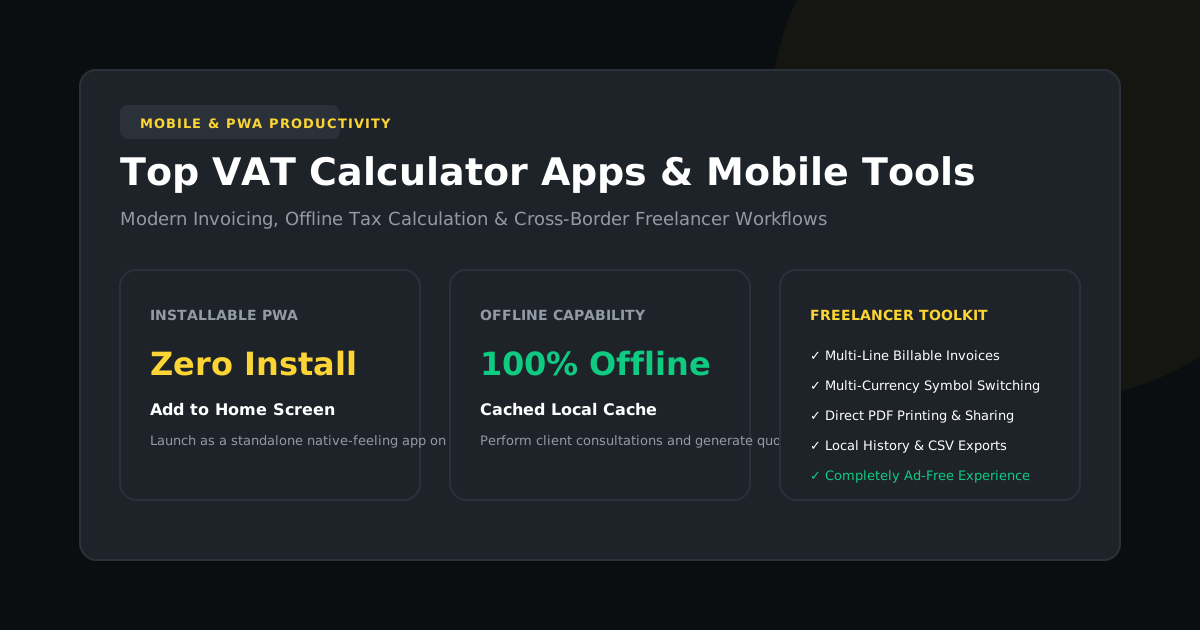
For independent consultants, tradespeople, digital nomads, and small business operators, calculating sales tax and Value Added Tax on the move is a daily necessity. However, downloading bloated, ad-ridden mobile apps from app stores often compromises privacy and drains device battery.
In this guide, we explore why Progressive Web Apps (PWAs) have become the gold standard for mobile financial calculations, how to install our zero-install tax suite on iOS and Android, and how to utilize offline caching in the field.
Native App Stores vs Progressive Web Apps
| Criteria | Standard App Store App | Progressive Web App (PWA) |
|---|---|---|
| Installation Footprint | 50MB – 150MB download | < 150 KB (Instant load) |
| Intrusive Advertising | Full-screen popups, video ads, trackers | Zero Bloat (Clean UI) |
| Privacy & Data Logging | Requires device permissions (Contacts, Location) | No Permissions (Client RAM only) |
| Cross-Platform Sync | Separate iOS / Android apps required | Universal (Works on phone, tablet & laptop) |
| Offline Calculation | Often requires server connection | 100% Offline (ServiceWorker cached) |
How to Install VAT Calculator on Your Smartphone
You can install our full application directly to your home screen in under 5 seconds:
On Apple iOS (iPhone & iPad)
- Open Safari and visit taxmaster.io.
- Tap the Share icon (the square with an arrow pointing upward) in the Safari toolbar.
- Scroll down and tap Add to Home Screen.
- Confirm the title ("VAT Calculator") and tap Add in the top right.
On Google Android (Samsung, Pixel, Xiaomi)
- Open Chrome and navigate to taxmaster.io.
- Tap the three vertical dots menu icon in the upper-right corner.
- Select Install App or Add to Home Screen.
- The app icon will immediately appear on your app drawer and home screen.
Core Features for On-the-Go Professionals
Our mobile calculator was specifically designed to handle common on-site billing scenarios:
- Quick Receipt Auditing: Instantly split out 20% UK VAT, 19% MwSt, or 15% SARS tax from gross merchant receipts.
- On-Site Client Estimates: Switch between "Add VAT" and "Remove VAT" with one thumb tap to quote customers exclusive or inclusive pricing.
- Multi-Line Quotes: Build a complete client bill with line items, travel surcharges, and discounts, and save it directly as a clean PDF document.
- Calculation History: Tap the "Recent Calculations" drawer to view your last 10 calculations without needing to re-enter values.
Frequently Asked Questions About Mobile VAT Tools
Does the mobile web app consume my mobile data plan?
No. Once the initial HTML/CSS/JS assets load into your mobile browser cache, all calculations and toggles run locally on your phone's processor. Zero continuous data connection is required.
Can I export my invoice history to Excel or Google Sheets?
Yes. In the history panel, simply tap the "Export CSV" button to download a formatted spreadsheet file compatible with Microsoft Excel, Apple Numbers, and Google Sheets.